How to transform QuickMask selections
How to use QuickMask and Free Transform to fill an empty glass with liquid.

How to use QuickMask and Free Transform to fill an empty glass with liquid.
A couple of days to the UK election, so let's merge Prime Minister Theresa May with opposition leader Jeremy Corbyn.
How to use Select & Mask, Refine Edge and Content Aware Fill to move objects around in a photograph.
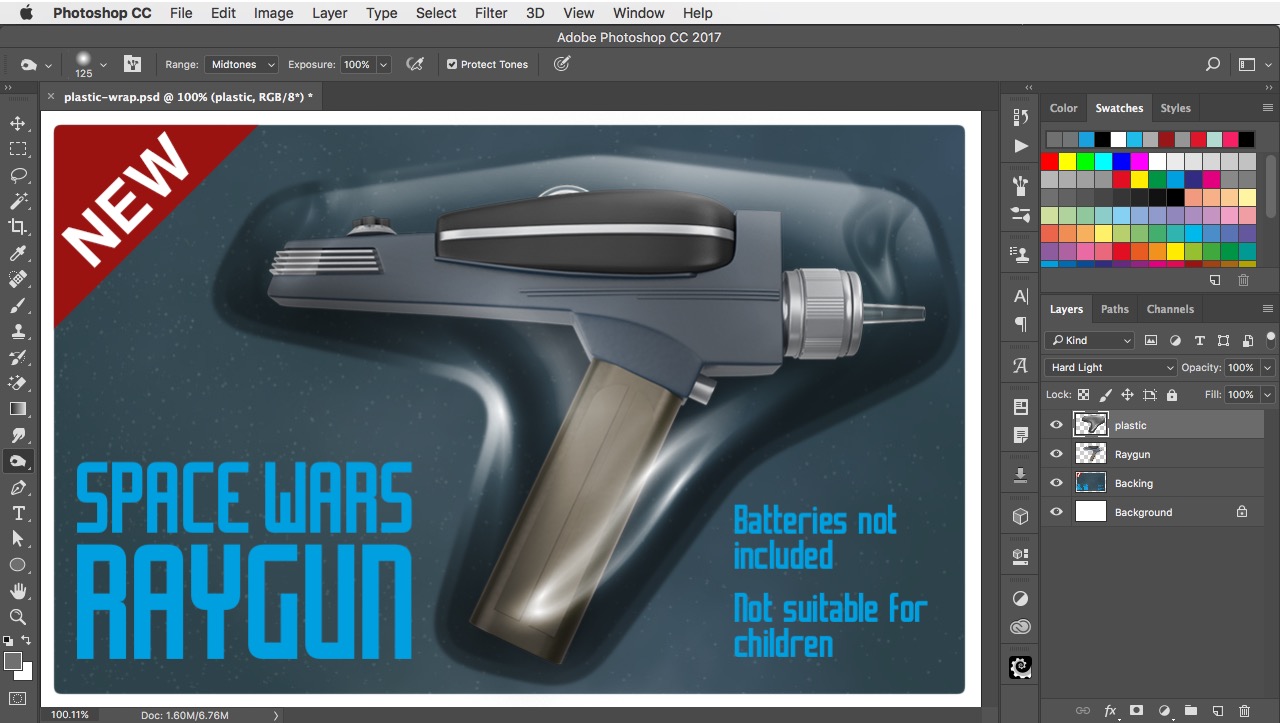
How to use Select and Mask to smooth the corners of a selection, and then Plastic Wrap to create a realistic plastic container.
How to make a truck leap over a wall, using Image Warp and Layer Masks.
How to make a car look as if it's speeding down the street, using Spin Blur and Path Blur.
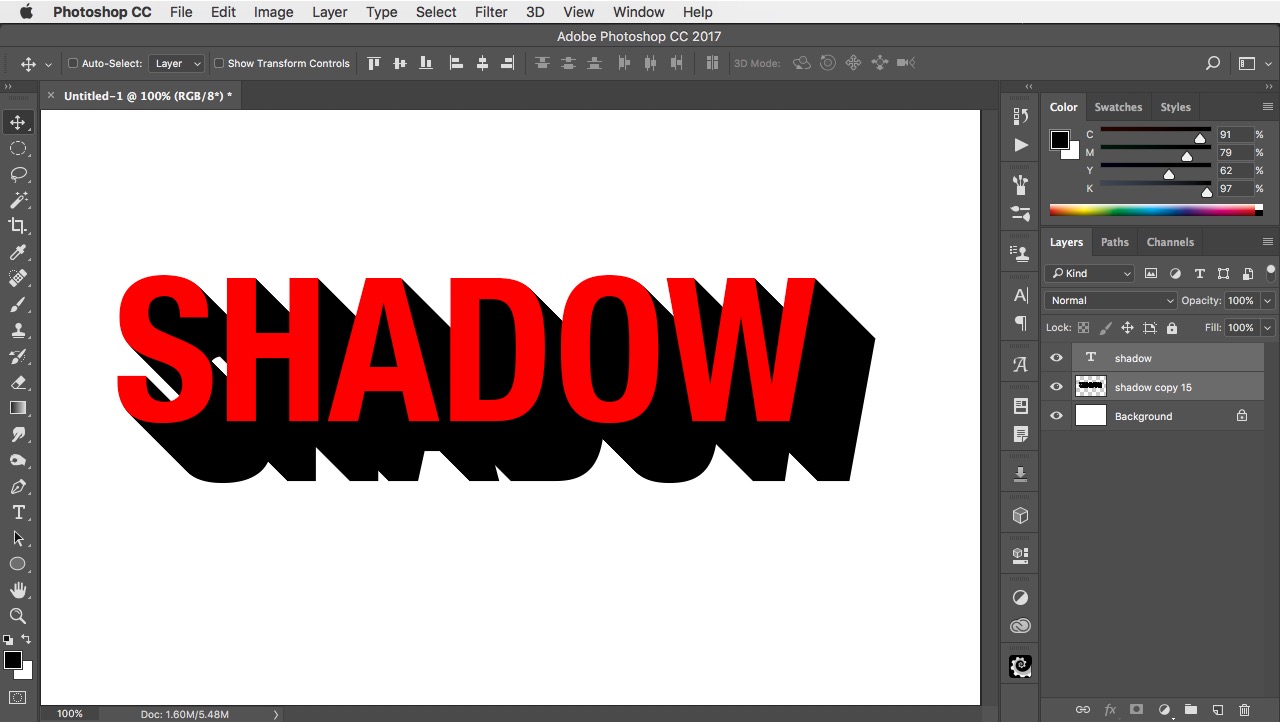
How to use an Action to make a deep 3D shadow that you can apply to text with a single keystroke.
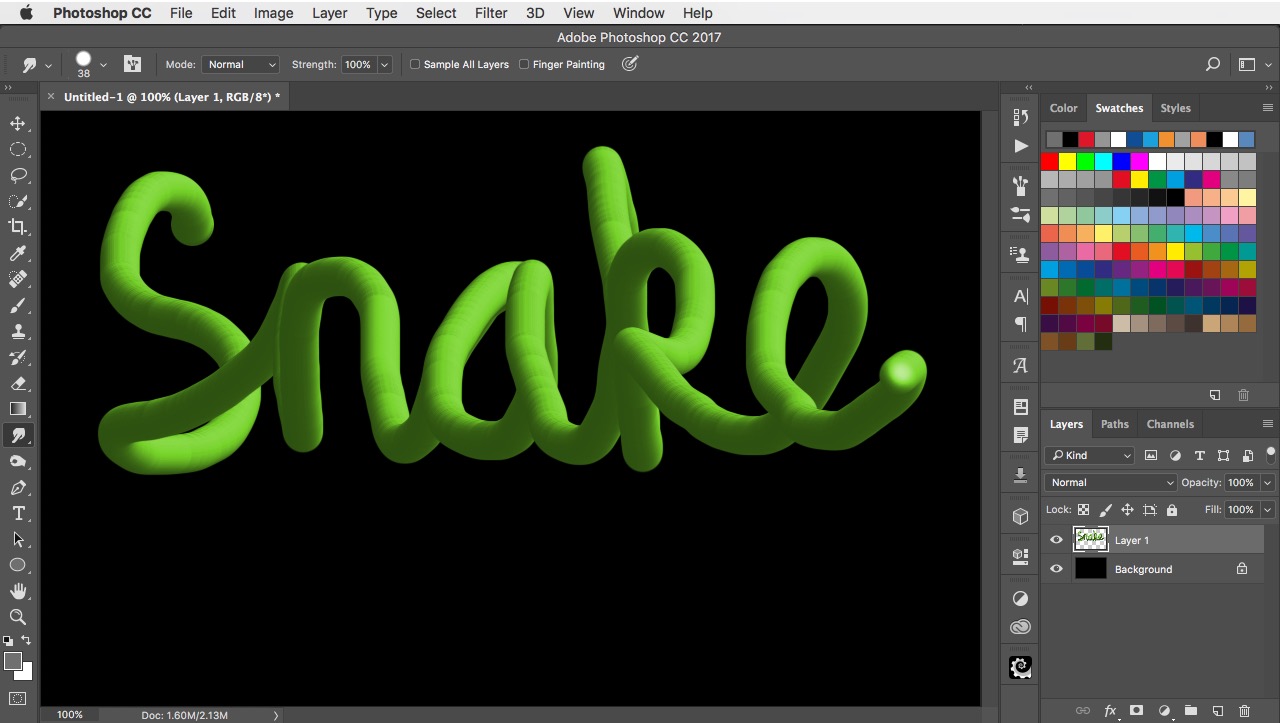
How to use the Smudge Tool to draw a smooth 3D pipeline that you can use for lettering or any organic shape.
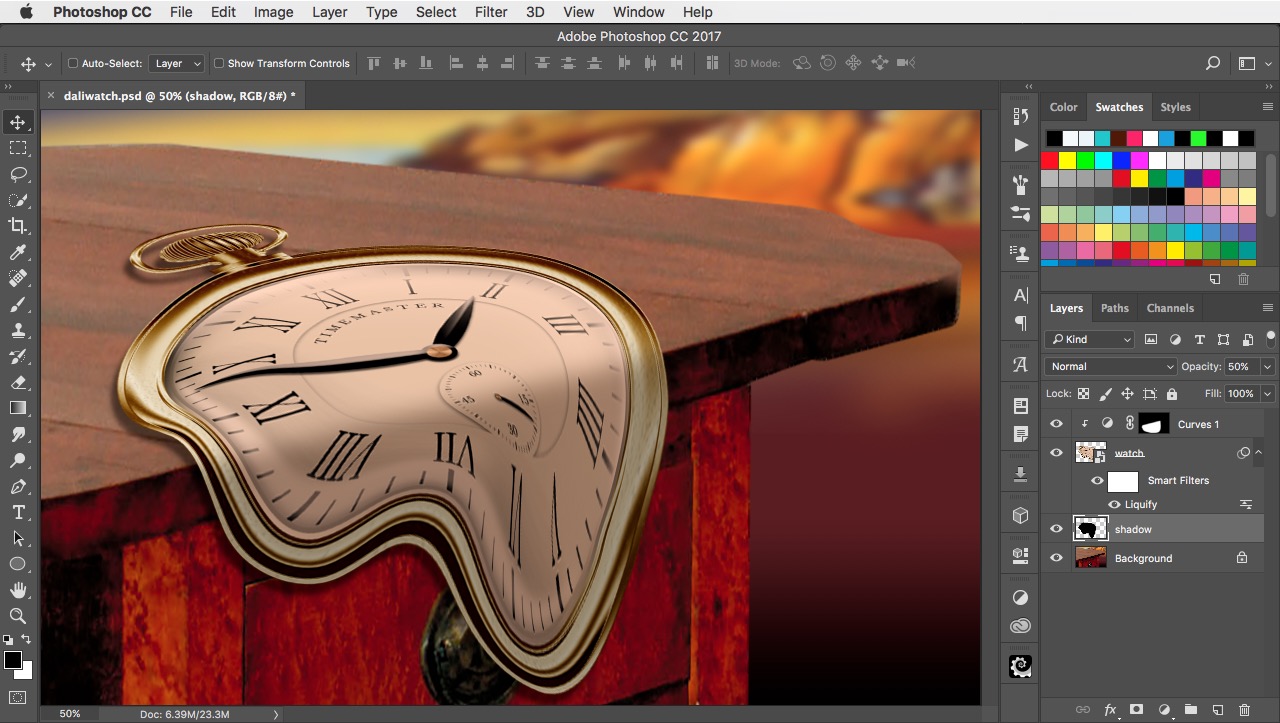
How to make a watch in the style of Salvador Dali, dripping over the edge of a table.
How to make a convincing rubber stamp effect using the Clouds Filter and Motion Blur.

photoshop.london is a repository of Photoshop ideas, free images and resources. It hosts the 2 Minute Photoshop YouTube channel.
photoshop.london is designed and run by Steve Caplin.
Yum, yum. Chocolate chip. Read the Privacy Policy.
photoshop.london is designed and run by Steve Caplin.
Yum, yum. Chocolate chip. Read the Privacy Policy.
photoshop.london is designed and run by Steve Caplin.
Yum, yum. Chocolate chip. Read the Privacy Policy.